Create Modular Assemblies
Create Modular Assemblies
Casework with Adjustable Shelves (The Smart BIM Way)
In BIM, efficiency isn’t about modeling faster once.
It’s about modeling once and reusing forever.
One of the most practical examples of this mindset is modular assemblies—especially casework with adjustable shelves.
This article breaks down:
What modular assemblies are
Why adjustable shelves matter
How to model them cleanly
Where people usually mess up
And how this saves real project time
1️⃣ What Is a Modular Assembly?
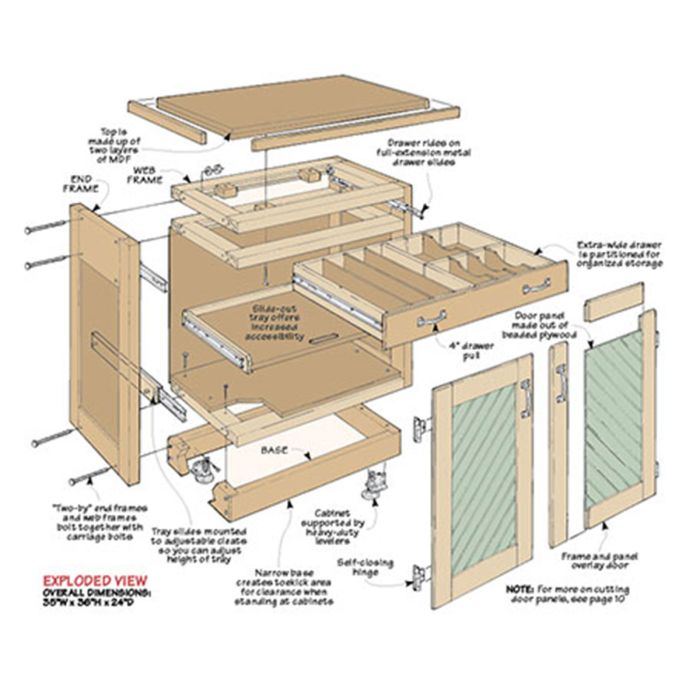
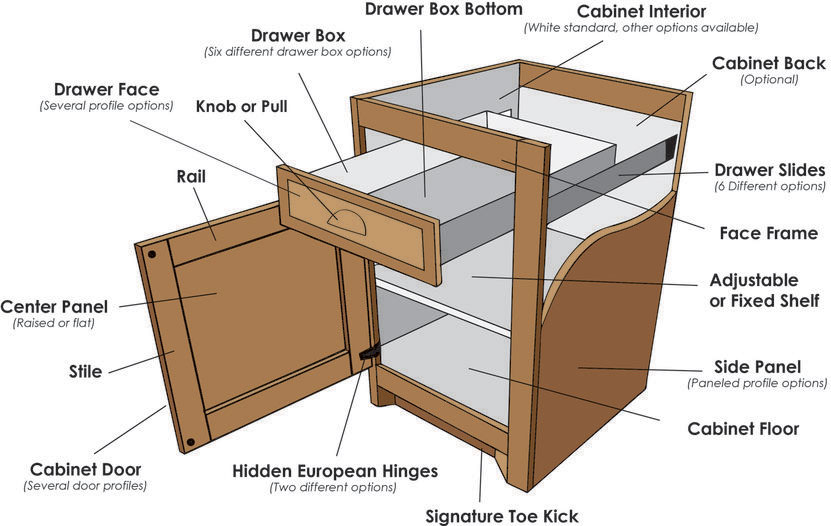
A modular assembly is a single intelligent unit made of multiple parts that:
Behave as one object
Can be adjusted without remodeling
Can be reused across projects
Think of casework:
Cabinet box
Shelves
Doors
Hardware
Instead of modeling each piece separately every time, you build one smart family that adapts.
2️⃣ Why Adjustable Shelves Matter (In Real Projects)
Fixed shelves look fine… until:
The client asks for a spacing change
The interior layout changes
The cabinet size updates
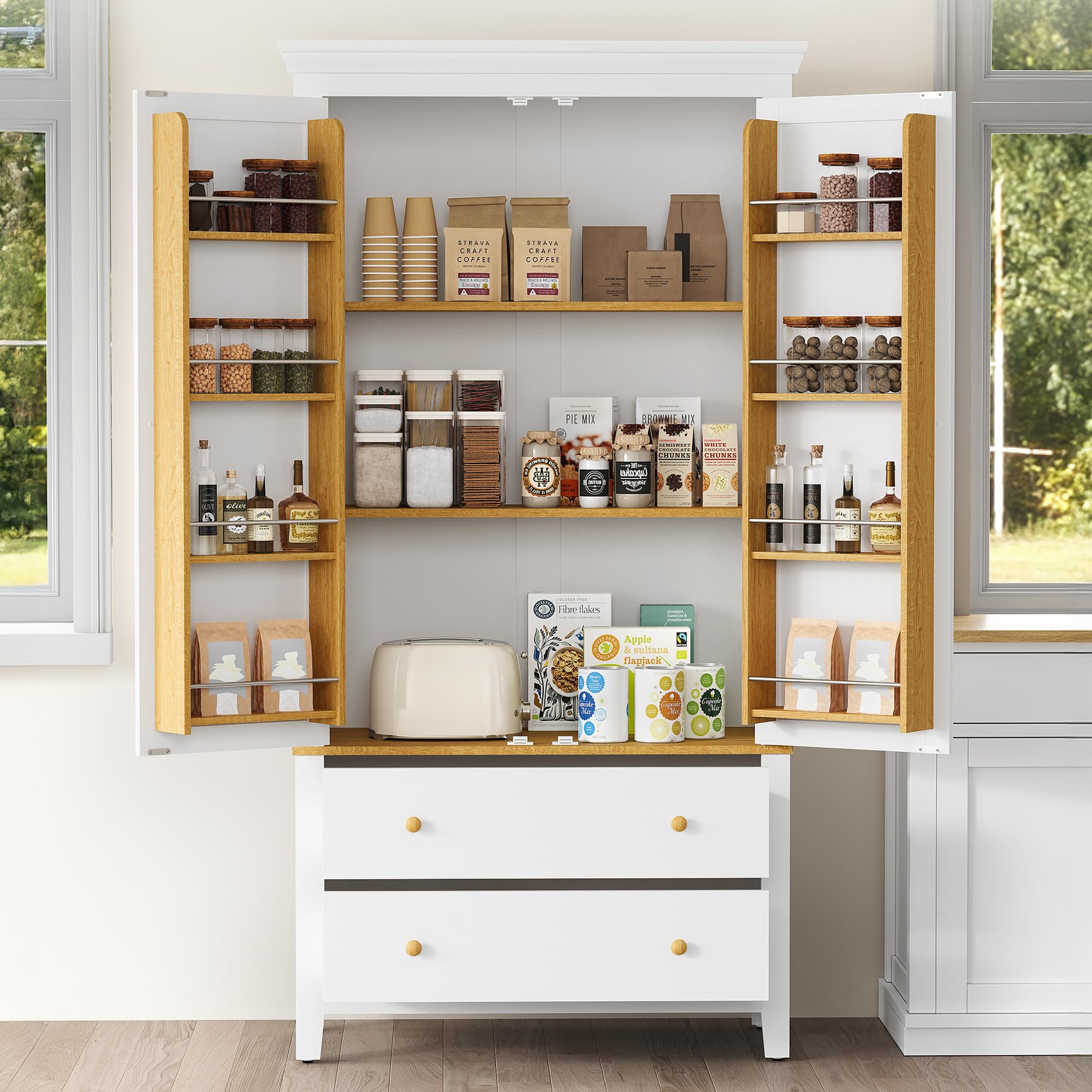
With adjustable shelves, you can:
Change shelf count
Adjust spacing
Resize the cabinet
👉 without touching geometry.
This is where BIM stops being “3D drafting” and starts being system design.


3️⃣ Core Idea: One Cabinet, Many Variations
A good modular casework family uses:
Parameters (numbers, yes/no)
Reference planes
Arrayed shelf elements
So the same family can represent:
2-shelf cabinet
3-shelf cabinet
Tall pantry
Low storage unit
No duplication. No remodeling.
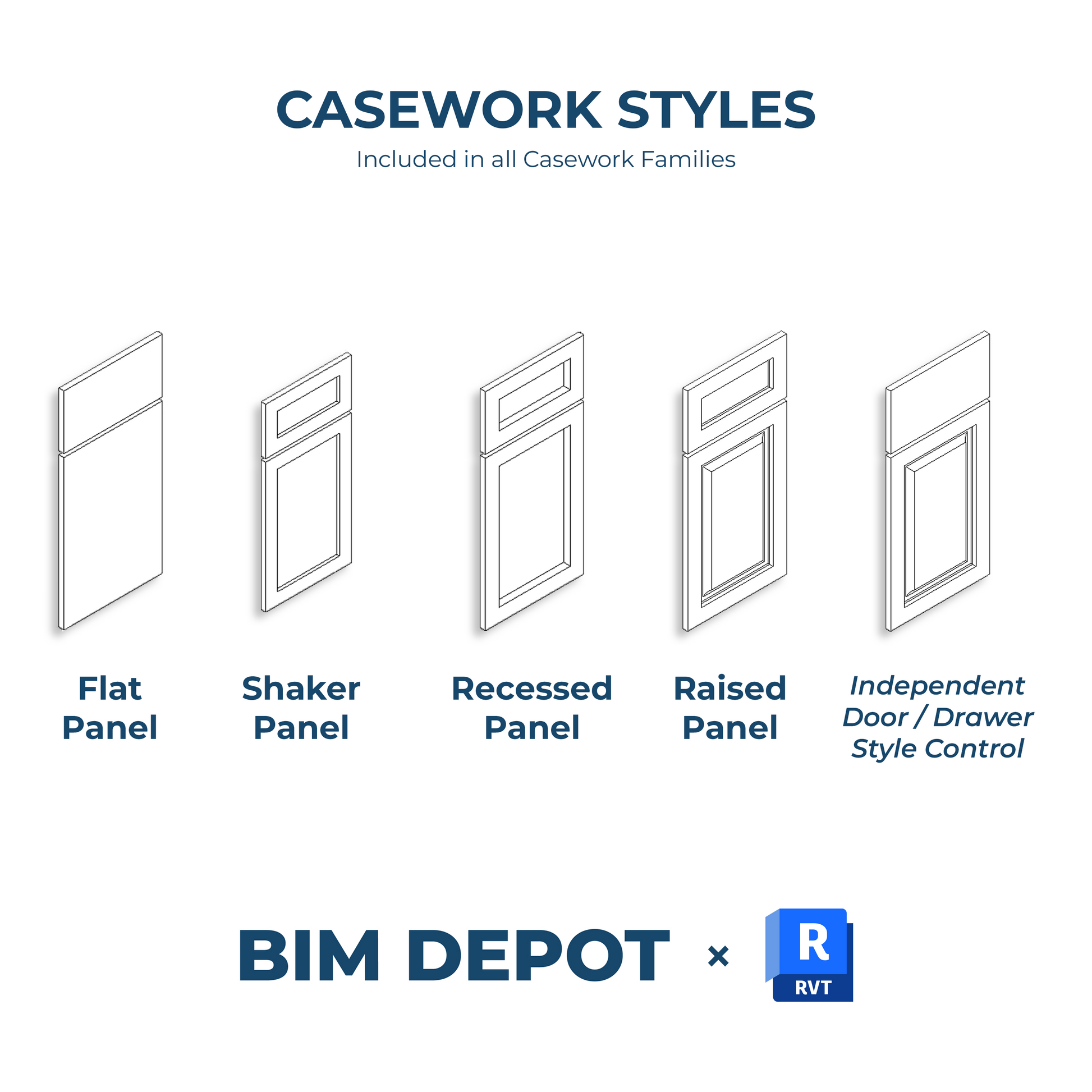

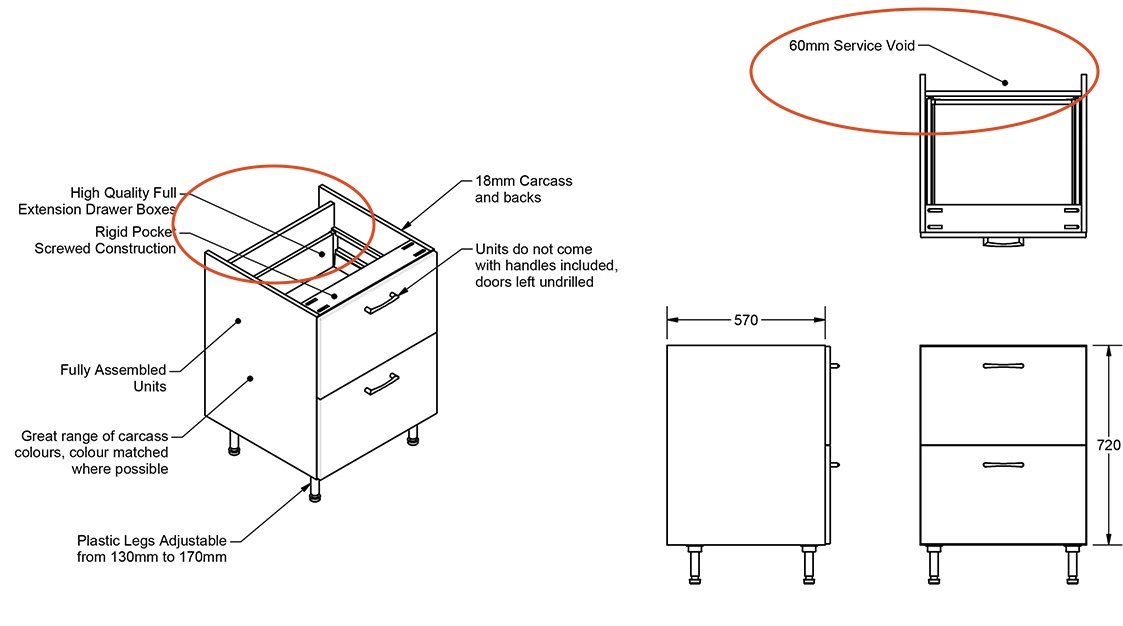
4️⃣ How Adjustable Shelves Actually Work (Conceptually)
At the logic level, it’s simple:
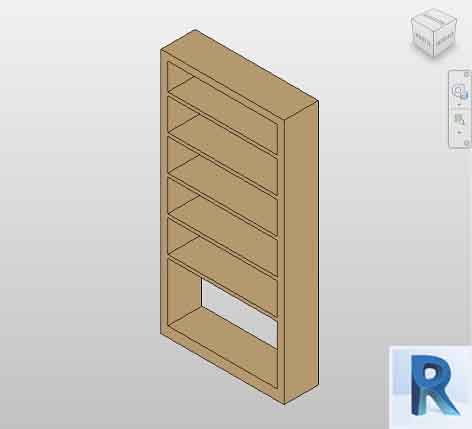
One shelf = modeled once
Shelf is arrayed vertically
Array count = parameter
Spacing = parameter
When values change → shelves move automatically.
This is parametric thinking, not manual modeling.

5️⃣ Shelf Count vs Shelf Spacing (Important Distinction)
A clean setup separates:
Shelf_Count → integer
Shelf_Spacing → dimension
Why?
Designers think in numbers (“Add one more shelf”)
Fabricators think in dimensions
Your family should satisfy both minds.
6️⃣ Visibility Control (Optional but Powerful)
Want more control?
Add Yes/No parameters to:
Show / hide shelves
Toggle top shelf only
Switch between fixed & adjustable
This keeps one family usable across:
Concept design
Detailed interiors
Construction documentation


7️⃣ Common Mistakes (Avoid These)
❌ Modeling each shelf separately
❌ Locking shelves with hard dimensions
❌ Creating multiple cabinet families for minor size changes
❌ No reference planes (geometry glued to faces)
These mistakes turn BIM into fragile 3D models.
8️⃣ Benefits You Feel Immediately
✔ Faster revisions
✔ Cleaner schedules
✔ Fewer families to manage
✔ Less coordination chaos
✔ Better design flexibility
Over a full project, this easily saves hours—sometimes days.
9️⃣ Where This Is Used Most
Kitchens
Wardrobes
Office storage
Hospital casework
Retail fixtures
Anywhere repetition + variation exist → modular assemblies win.
🔟 BIM Mindset Shift (The Real Lesson)
The goal isn’t to model objects.
The goal is to model rules.
Adjustable shelves are just one example—but once you understand this pattern, you’ll start seeing:
Doors
Furniture
Partitions
Facades
…as systems, not shapes.
Final Thought
If your model breaks when a client asks for a small change,
it’s not parametric—it’s decorative.
Build modular assemblies, and let BIM do the heavy lifting.

Comments
Post a Comment